The device that protects your network itself
Guest Wi-Fi, VPN and threat blocking in one device. ONYX monitors it remotely, so you can run your business.
How it works
Setup takes about 10 minutes, with no IT staff required.
Connect
Plug the device into your internet line and office network. No extra configuration needed.
Activate
ONYX activates the device in the cloud portal and the configuration is delivered automatically.
We watch
ONYX monitors status, updates and changes remotely. The device keeps working even if the cloud is unreachable.
Every core function in one device
Onyx Firewall combines network protection, guest Wi-Fi and remote access in a single device.
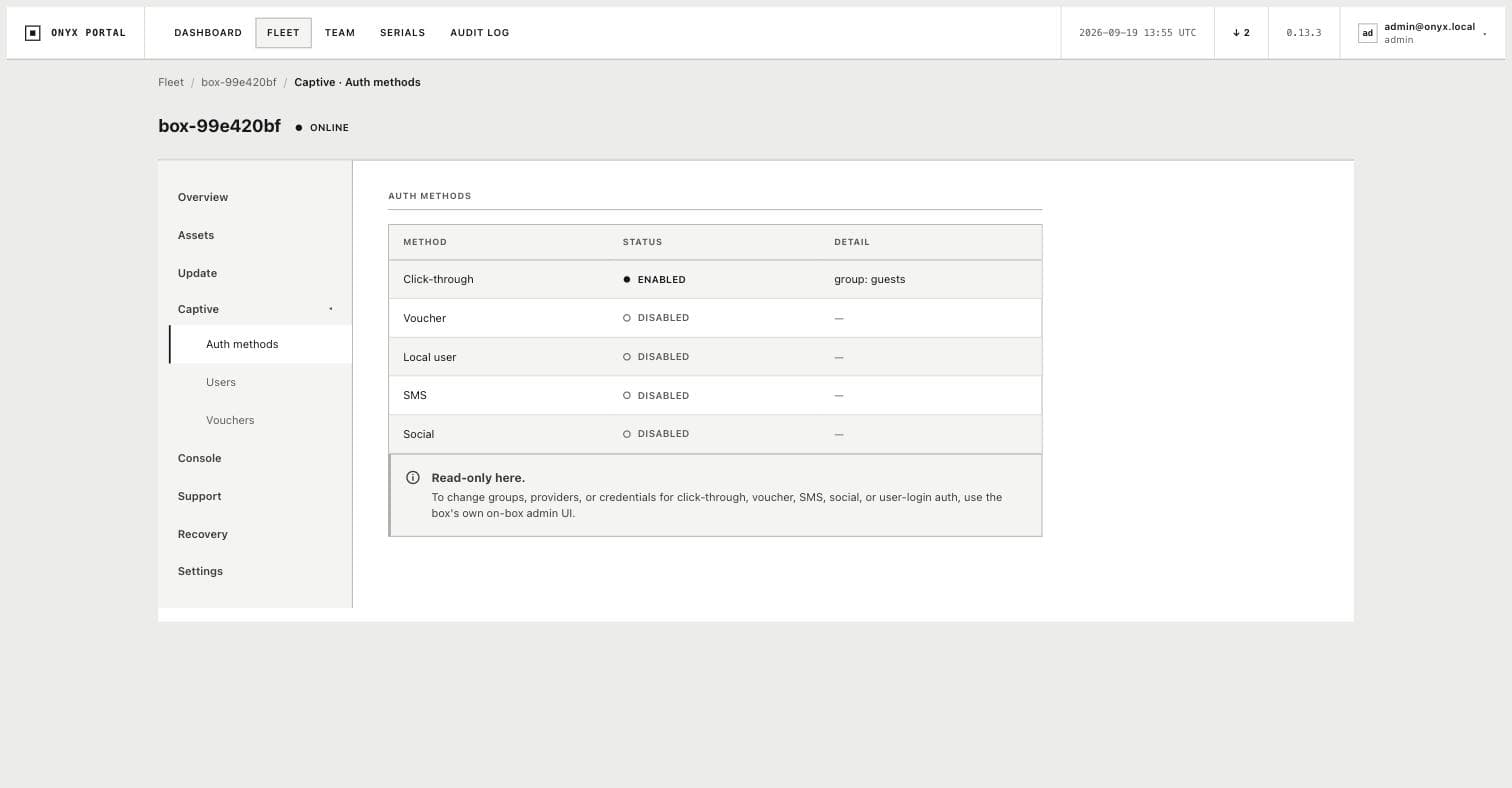
Branded guest Wi-Fi
Guests connect through a simple captive portal carrying your brand. Their data stays on the device, never sent elsewhere.
Cafes can also show a digital QR menu on the guest login page.
Threats blocked automatically
Malicious domains are blocked by list, and traffic from high risk countries is blocked with GeoIP rules.
92,949
blocked malicious domains
Remote access with VPN
Fast VPN built on WireGuard. Each user gets a separate connection set up with a QR code.
A bad change fixes itself
Every configuration change is verified before it applies. If it breaks the network, the device rolls itself back automatically.
Two internet lines
If the main line drops, the device switches to backup internet automatically, without interruption.
Separate networks (VLAN)
Staff, guests, cameras and POS each run on their own VLAN, with its own DHCP settings.
Full control from the cloud portal
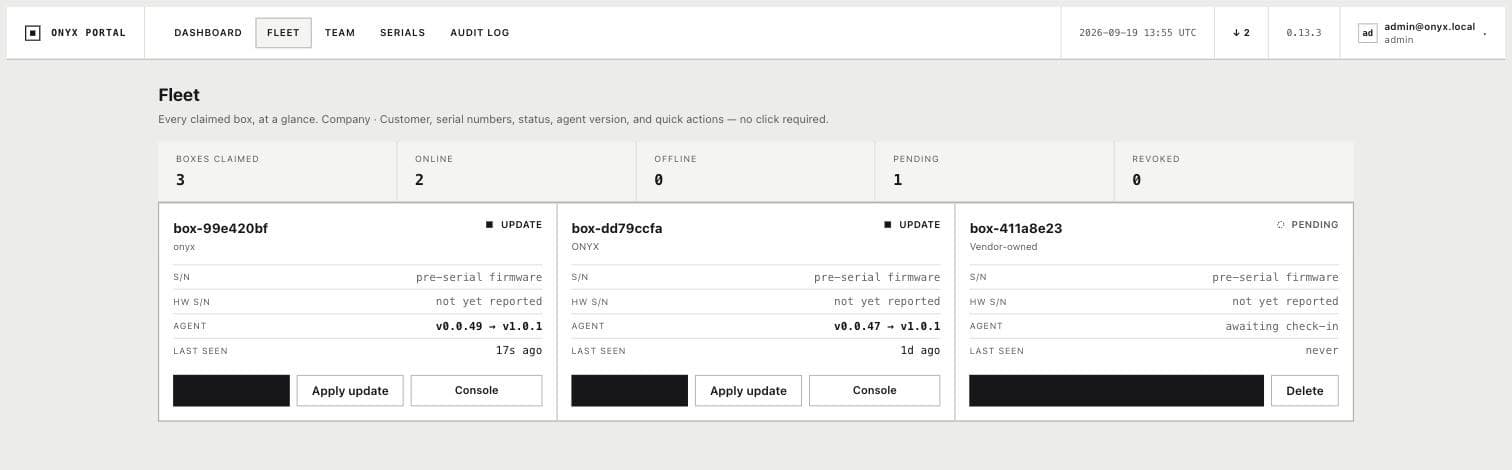
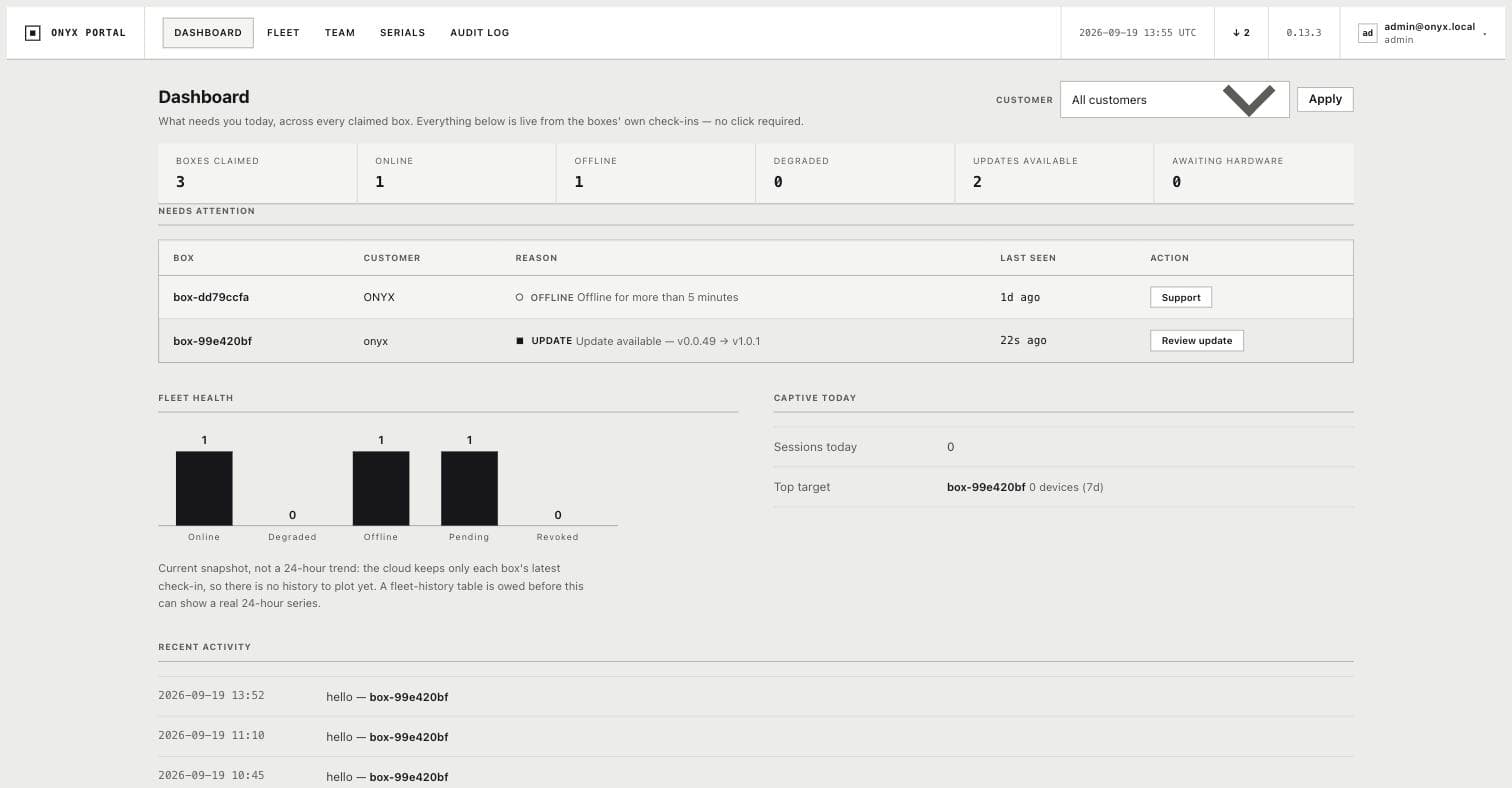
Every device is visible in one portal, and changes are applied remotely without a site visit.
Every device, one screen
Monitor the status of devices across all your locations from a single portal.
Remote changes
Configuration changes are sent straight from the cloud, with no site visit.
Safe updates
Updates install to a standby slot and only switch over once verified.
Keeps working without the cloud
The device keeps its last verified configuration and stays operational if the connection drops.
Who it fits
Cafes & restaurants
Branded guest Wi-Fi and a menu on one screen, while the till network stays separately protected.
Clinics
Patient data stays on its own VLAN, while the guest network is monitored separately.
Hotels
Easy Wi-Fi access for guest rooms, while the admin network stays fully separate.
Offices & branches
VPN for remote staff, and centralized management across branch locations.
Pricing is quoted per request
There is no fixed price list. We prepare a written quote based on office size, device count and the sales model you choose.
One-time equipment purchase
You buy the configured device and it stays your property. Management service can be added on request.
Monthly subscription
Device, monitoring, updates, changes and support are covered by one monthly fee. You start without a large upfront cost.
Frequently asked questions
Do we need an IT person on site?
No. Once the device is connected, ONYX activates and monitors it remotely. No technical knowledge is needed on site.
What happens if the internet or cloud goes down?
The device keeps its last working configuration and the office network keeps running without interruption. ONYX reconnects once the connection is back.
Can staff and guest networks be separated?
Yes. VLANs keep staff, guests, cameras and POS on separate networks, each with its own DHCP settings.
Where does guest data go?
Data collected during guest Wi-Fi login stays on the device itself and is never sent to an outside server.
Does it replace our existing router?
Yes, Onyx Firewall works as the office's main network device. A separate Wi-Fi access point adds to your existing setup.
How long does installation take?
Usually about 10 minutes. The device connects, ONYX activates it in the cloud, and configuration applies automatically.
Protect your network today
Request a quote for Onyx Firewall and we will configure it for you.